
Bank Reconciliation
Bank Statement Reconciliation
Bank statement reconciliation involves comparing your personal financial records against the official list provided by your financial institution each month. This comparison reveals any discrepancies such as missing entries or incorrect amounts that might have occurred during recording. Households increasingly turn to specialized applications designed specifically for this matching task to streamline the effort involved.
You can reconcile bank statement entries on paper or in software. The goal stays the same: confirm that every charge and deposit appears correctly. People who run side businesses often find personal bank reconciliation useful because mixed accounts create extra entries to review. When accounts blend personal and professional use, separating those flows becomes essential for accurate tax preparation later on.
Performing this check regularly helps maintain an accurate view of available funds without surprises at the end of the period. It also prepares records for any future reviews by accountants or tax authorities who may request detailed breakdowns of income and outflows over time.

What reconciling a bank statement means
The task starts with your own records. You compare each line against the statement the bank sends. Any item that appears on one side but not the other needs attention. Outstanding checks that have not yet cleared the bank represent common differences that require tracking until they post. Deposits recorded but not yet reflected also fall into this category and must be monitored separately until confirmation arrives.
Most people perform the check monthly after the statement arrives. The work takes longer when transactions come from several accounts or when receipts get lost. A few minutes each week can keep the list short. Bank fees or interest credits often appear only on the statement side and need manual addition to personal records to achieve balance.
Some tools pull data automatically through services such as Plaid. Others require manual entry. Either way, the final step remains the same: mark items as cleared and note any differences. Foreign transaction fees or currency conversions can create additional mismatches that only surface during this side by side review.
If you prefer a spreadsheet approach, check register and checkbook apps can export data into a file you control. The method works for those who already track numbers that way. Formulas can then highlight unmatched rows automatically once the bank data arrives in the same layout.
Why individuals should do it too
Errors reach consumer accounts more often than most expect. A merchant may post the same charge twice or enter the wrong amount. Catching these items early prevents later disputes. Small repeated mistakes in merchant processing can accumulate across multiple statements if left unexamined for several cycles.
Fraud can appear on statements without warning. Regular review helps you spot unusual activity before the amount grows. Banks and card networks maintain windows for reporting problems, so timing matters. Notifying the institution within those periods often limits liability to zero for unauthorized use.
Side income adds another layer. Business expenses mixed with household spending create extra lines to sort. Duplicate charges become easier to trace when every entry receives a second look. Separating these categories also simplifies quarterly estimated tax calculations for self employed individuals.
A short weekly habit replaces a long monthly task. You see patterns in spending sooner and adjust before the next statement arrives. Categories that show steady increases become visible earlier and allow changes in allocation before overspending occurs.

Reconciliation apps vs. spreadsheets
Apps that connect to banks pull transactions each day. They flag items that already cleared and leave the rest for review. The layout stays consistent from month to month. Daily feeds reduce the chance of overlooking a weekend or holiday transaction that would otherwise sit unmatched until the next manual import.
Spreadsheets give full control over columns and formulas. Tiller sends bank data straight into Google Sheets or Excel templates, which suits people who like to rearrange numbers themselves. The choice depends on how much time you want to spend on setup. Custom columns for notes or project codes become possible only in this format.
Some users keep both systems. They let an app handle daily imports and move final numbers into a sheet for reports. Budget apps compared on this site show how different services handle imports and exports. The combined workflow lets one tool manage matching while the other focuses on projections.
Features and pricing change, so readers should check the app's own site before deciding. Many options now include recurring-charge tracking that reduces the manual work of spotting repeats. Integration with accounting file formats also allows direct transfer of reconciled data without retyping amounts.
- Quicken Classic offers deep budgeting and investment reports for Windows and Mac users who want a subscription model.
- Simplifi by Quicken centers on a spending plan and watchlists for recurring items.
- Empower offers free net-worth dashboard access with basic budgeting tools and paid wealth-management options.
- The budgeting software YNAB employs a zero-based approach enabling one subscription shared with family members.
- Monarch Money supports household sharing and connects through several data providers.
What reconciling catches
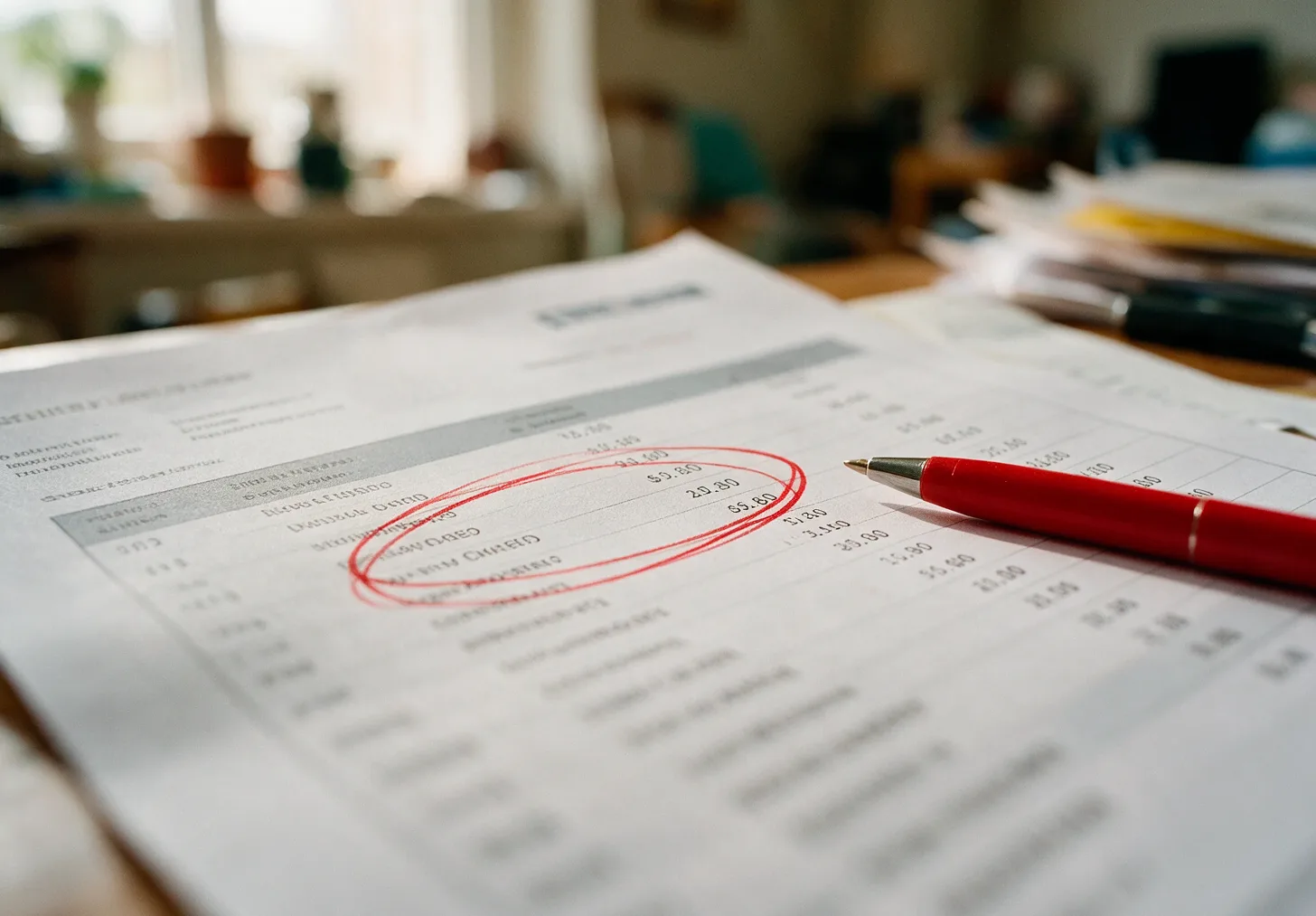
The most common finds are simple keying errors. A merchant may add an extra zero or post a refund to the wrong account. These show up as small mismatches that add up over time. Reviewing each line also uncovers transposed digits in amounts that automated systems sometimes miss during initial posting.
Recurring charges sometimes continue after a subscription ends. Subscription managers and bill tools can help track start and end dates, yet a manual check still catches items that slip through. Annual renewals billed in advance may not align with the month the service actually stopped.
Receipt organizers keep paper or photo records in one place. When a charge appears without a matching receipt, receipt scanner and tracker apps or receipt organizers make it easier to verify the amount. Cross checking also confirms whether tax was applied correctly on the original purchase.
Over time the habit builds a clearer picture of cash flow. You notice which categories grow fastest and can set limits before the next cycle. Money guides on the site walk through simple category setups. Patterns in weekend versus weekday spending emerge only after several months of consistent matching.
We built Plenarax to bring these steps into one ledger while the app is still in development.
Every reconciliation guide
- How to Reconcile a Bank StatementA worked, step-by-step method for reconciling a personal bank statement, with what to do when the numbers don't match.
- Receipt Scanner and Tracker AppsReceipt scanner apps that read totals, match receipts to transactions and keep them for taxes and returns.