
Budget Apps
Budget Apps Compared
A budget app pulls transactions from linked accounts into one view so you can see spending patterns clearly. Connections through services like Plaid allow data from checking accounts at major banks to flow directly into the ledger without manual uploads. Credit card activity joins the same stream, creating a unified record of both inflows and outflows that spans multiple institutions.
Users gain visibility into how funds move across checking, savings and credit accounts without switching between separate statements. This single ledger view helps identify areas where outflows exceed earlier estimates. Records accumulate over successive months and show whether certain categories consistently run higher than anticipated, supporting adjustments to future allocations.
Readers compare options by checking what each service publishes about its features and limits. Some services emphasize rule-based sorting of incoming data while others focus on flexible assignment by the user. The choice often depends on whether someone wants more automated grouping or prefers to assign every entry personally. Published documentation also details which smaller financial institutions receive support through direct feeds versus file uploads.

What a budget app actually does
These tools gather charges and deposits in one ledger. You can review totals by category and watch for subscriptions that renew automatically. Some people add notes to entries or set simple targets for categories. The goal stays the same across different services: give a clear picture of cash flow without extra steps.
When income arrives on irregular schedules the same records reveal whether upcoming outflows will leave enough buffer for fixed obligations. Users sometimes export the monthly summaries to share with accountants or financial advisors. The exported files preserve the category assignments already applied inside the service.
If a payment seems mistaken, examine the objection period from your card issuer. Credit cards typically allow around two months after the statement arrives. Saving the activity record in the app provides fast access when a seller charges an odd sum later on. A few platforms also identify possible copies so people notice them prior to checking bills.
Monthly reports generated from the stored data highlight shifts in spending volume across categories from one period to the next. Those shifts become visible without separate calculations on outside documents. The same reports can separate business-related entries from personal ones when users apply distinct labels during review.
- Confirm the connection method works with your main bank before signing up.
- Look at how the app handles recurring items that appear under different names.
- Decide whether you prefer automatic imports or manual entry for side business expenses.
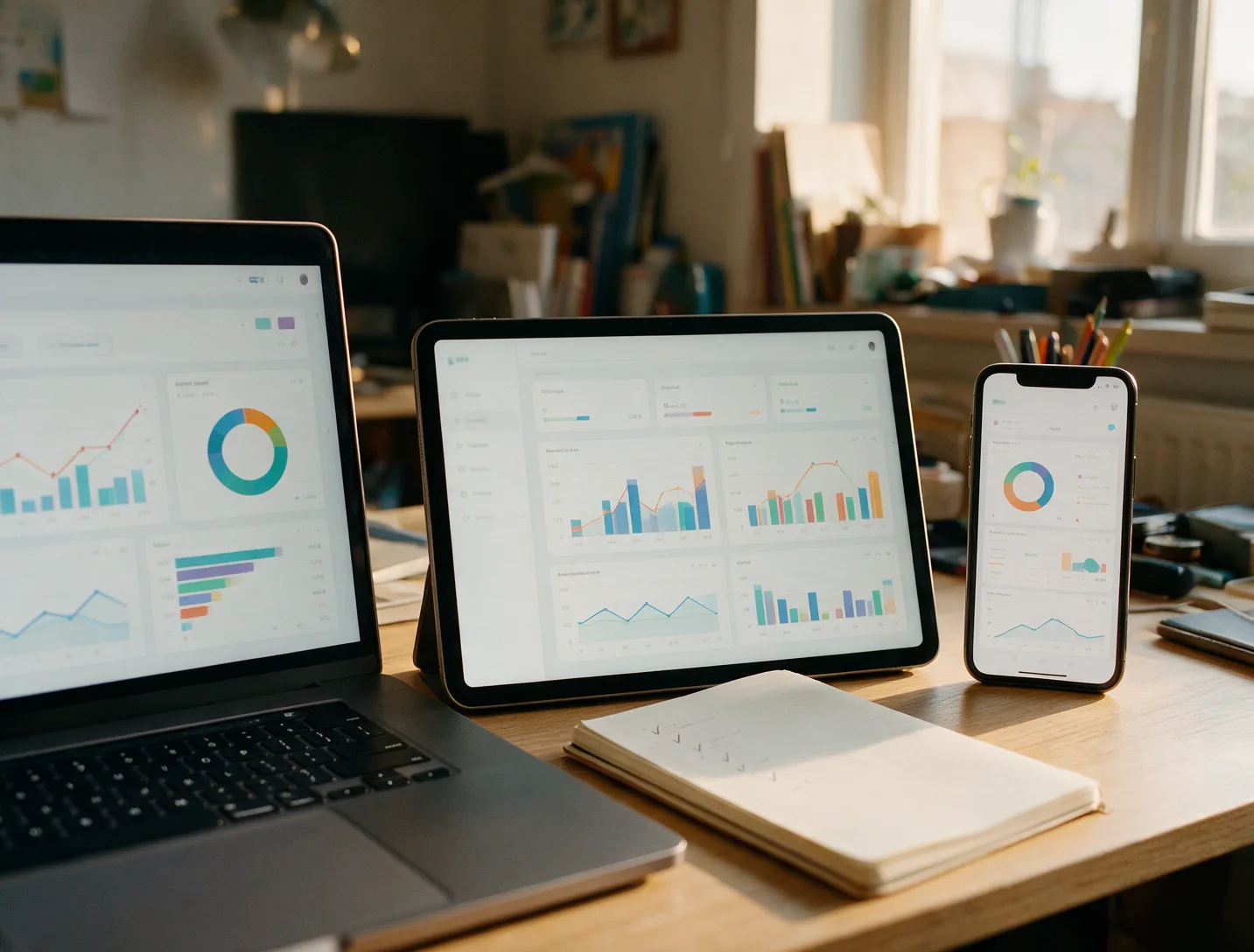
How we compare budgeting apps
We review each service using the details posted on its site, help center, and app store page. Prices and features can change, so confirm the current information directly with the provider. This approach keeps the focus on published capabilities rather than personal testing.
Different households need different balances of automation and manual control. Some services publish clear limits on the number of accounts that can be connected at once. Others describe how they handle accounts from smaller credit unions that may not support every connection method.
See The Best Budget Apps of 2026 for an overview of current choices or Budgeting App Reviews and Alternatives when you want side-by-side notes. The published documentation also covers data retention periods and how users can request deletion of stored records.
Comparison points include the range of supported file formats for manual imports and the frequency with which new transactions refresh after an initial link. Some providers list specific partner banks that receive priority support for faster posting times.

Types of budgeting apps
Budgeting apps follow a few main styles. Each style suits readers who already manage money in a similar way. The styles differ mainly in how much structure they impose on the assignment process and how much flexibility remains for later changes. Readers often start with the style that matches their existing paper or spreadsheet habits before trying alternatives.
Zero-based
Every dollar receives a job before the month begins. YNAB follows this method and lets users share one subscription with family members. The method requires assigning expected income to specific future expenses and savings goals first.
When actual amounts differ from the assignments the user adjusts the remaining categories to keep the total balanced. This process repeats each time new income posts or an unexpected expense appears. The approach works well for people who receive pay on varying dates throughout the month.
Envelope
Money is divided into virtual envelopes that match spending categories. Once an envelope is empty, spending in that area stops until the next cycle. The system makes the remaining balance in each envelope visible at a glance.
Users who prefer this style often carry the same discipline they once applied to physical cash into their digital records. Transfers between envelopes can be recorded when priorities shift mid-month. The method highlights exactly which categories still hold funds.
Automatic tracking
Transactions flow in from banks and receive categories through rules or learning. Rocket Money and Simplifi by Quicken both emphasize recurring bill tracking in their public materials. The service then groups similar merchants under consistent labels over time.
Users review the suggested groupings and can change any assignment that does not match their own definitions. The history of past corrections helps refine future suggestions. This style reduces the need to enter data while still allowing final control over how each entry appears in reports.
Spreadsheet-linked
Daily transactions land in Google Sheets or Excel. Tiller supplies the feed and templates so users keep full control over formulas and reports. The service acts mainly as a reliable importer rather than a closed reporting environment.
People who already maintain custom calculations can continue using those same formulas without learning a new interface. Changes to column order or added calculations remain entirely under user control. The import step simply refreshes the raw transaction rows each day.
Every budget app guide on this site
- The Best Budget Apps of 2026The best budgeting apps for 2026, compared on published features, bank syncing, pricing model and who each one suits best.
- Finance Tracker AppsFinance trackers that put balances, bills and goals on one screen — what they track and how they connect to your bank.
Budget app FAQ
Many readers ask how long it takes to set up a new Free Budget Apps Worth Using. Most services need a few minutes to link accounts and review initial categories. Another common question covers privacy. Each company states its data practices on its own site, so review those sections before connecting accounts.
People also want to know whether a tool can replace manual tracking entirely. Some still prefer to review entries weekly while others rely more on automation. Money Apps, Sorted by What They Do groups options by primary focus.
Our own project Plenarax is still in development and not yet open to the public. Check Money Guides for plain-English explanations of common money questions. The guides also cover how different connection methods affect the speed at which new transactions appear inside an app.
Additional questions address whether multiple users can access the same set of records and how changes made by one person appear to others. Documentation from each provider lists the available sharing options and any approval steps required for shared edits.