
Bank Reconciliation
Receipt Scanner and Tracker Apps
A receipt scanner app turns paper slips into digital records by reading totals, dates and merchants from photos. Many people look for one that also stores files for taxes or returns while connecting to their bank feeds. This approach helps track spending without extra manual entry.
A receipt tracker app often goes further by matching those images to existing transactions in a ledger. It can flag duplicates or recurring charges that might otherwise slip by. Ordinary households and side businesses benefit when everything sits in one place for quick review.
Plenarax plans to combine bank feeds with receipt handling once it launches. In the meantime the team has looked at what publicly available app descriptions say about scanning and matching tools.
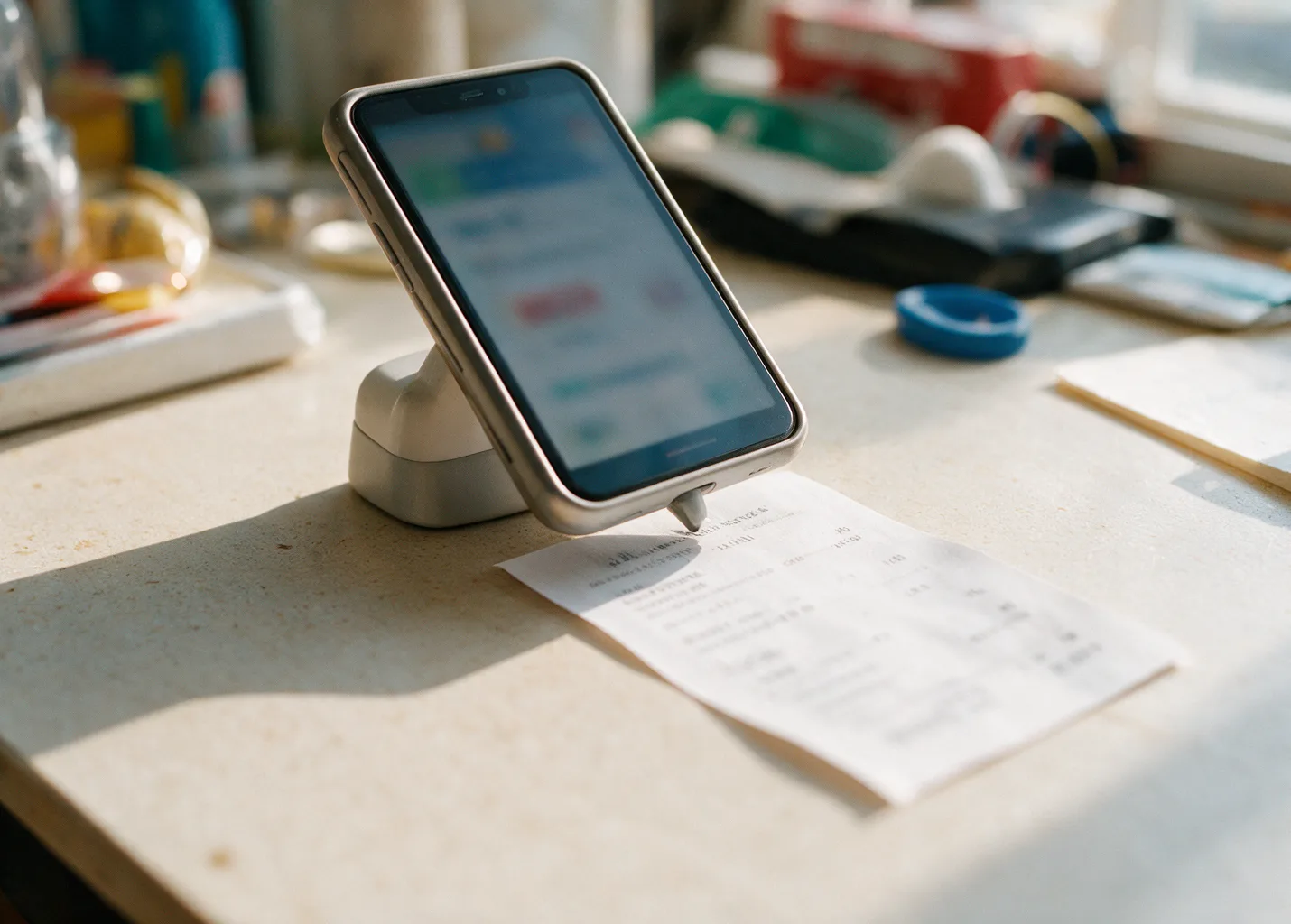
What affects scanning accuracy
Lighting and angle matter when you photograph a receipt. An app that lets you adjust the frame before capture tends to read numbers more reliably than one that forces a single shot. Some tools also straighten the image automatically.
Printed text quality changes the outcome too. Faded ink from older receipts or glossy paper can confuse optical recognition. Testing a few examples yourself shows whether an app handles your typical receipts well. Background clutter in the photo adds noise. A clean surface behind the slip reduces errors. Several apps prompt you to crop or confirm the edges before processing. Receipt length and layout vary by store. Long itemized lists sometimes get truncated. You can check an app's help pages to see how it manages complex receipts.
Font size on the receipt plays a role in how well characters register. Smaller print requires sharper focus from the camera sensor. Apps differ in how they preprocess the image to enlarge or enhance faint characters.
Paper type influences contrast under the camera. Thermal paper used at many registers fades faster when exposed to heat or light before scanning occurs. Matte finishes on standard paper hold ink better during the capture process.
- Check whether the app requires steady hands or offers a steady-capture mode.
- Look for support of both printed and some handwritten totals.
- See if it reads foreign currency symbols when you travel.
- Confirm that exports include the original image for your records.
Matching receipts to bank transactions
Linking a receipt to its bank line reduces guesswork later. Most receipt scanner apps try to match by amount and date first. When those fields align closely the match happens quickly. Some tools also compare merchant names. Slight spelling differences can still require a manual review. You decide whether to accept or adjust the suggestion.
A good receipt tracker app keeps both the image and the transaction visible in the same ledger. This setup helps when you prepare taxes or dispute a charge. Bank Statement Reconciliation becomes simpler once images sit beside the entries.
Card issuers set dispute windows of roughly two months after the statement date. Attaching the receipt helps users respond within that period. Duplicate Charges often surface during this review.
Partial matches occur when a tip is added after the initial authorization. The app may show the base amount first and leave the final total for later confirmation. Users can then attach the updated receipt to the completed line.
Multiple purchases on the same day at one merchant create extra matching choices. The tracker lists nearby entries so the correct receipt can be paired without confusion from similar totals.
Our recommendations
With a focus on managing recurring payments and subscriptions, this tool also provides core budgeting features and spending overviews. Access is available for free or via the Premium subscription, featuring bill negotiation. It supports iPhone, Android, and web access.
YNAB applies zero-based budgeting principles by assigning every dollar a specific job. Data on transactions comes from connected banks or manual input, letting a family share one subscription. It is accessible via web, iPhone and Android.
Monarch Money serves households and couples using shared features and customized overviews. It provides budgets, goals, and investment tracking. Migration support existed for users from Mint. How to Reconcile a Bank Statement complements the tools for recurring charges.
Company announcements supply the facts here, yet they may shift so check each app's website yourself. Check Register and Checkbook Apps can complement any receipt workflow you choose. Receipt Organizers offer another angle if images are your main concern. We are building Plenarax to pull bank transactions into one ledger and flag repeats. Plenarax is still under construction and unavailable for public access.
How long to keep receipts
Tax rules generally require records for at least three years after you file. Some situations extend that period. Keeping digital copies from a receipt scanner app makes storage easier than paper piles.
Warranty claims or returns often need proof for longer. You can store those receipts in the same tracker app and tag them by category. This avoids digging through folders years later.
Business expenses tied to a side hustle may need separate retention. Check IRS guidelines for your situation and keep the images attached to the matching bank lines. A receipt tracker app helps maintain that connection without extra effort. Review stored files once a year. Delete anything past its required period to reduce clutter. The goal is a clean ledger that still meets your record needs. Charitable donations sometimes carry their own documentation rules. Receipts for items or cash gifts stay useful when sorted by donation date within the tracker. Insurance claims for damaged goods require proof of purchase that can date back several years. Tagging those receipts by policy type keeps them grouped for later retrieval.